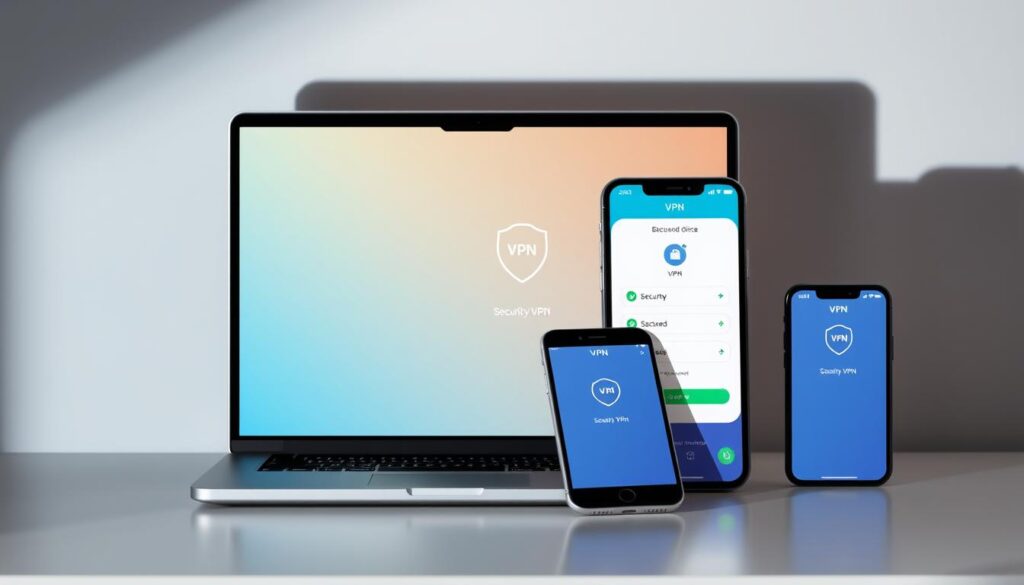
Every click, search, and login leaves digital breadcrumbs. While most assume basic Wi-Fi protections are enough, over 80% of data breaches start with unsecured connections – a gap many don’t realize exists. This is where encrypted tunnels become essential.
Modern privacy tools create secure pathways between devices and the internet. They scramble data like credit card details and messages, making them unreadable to hackers on public networks. Imagine sending sealed letters instead of postcards – that’s the core difference.
These services also hide your digital location tag. By replacing your actual IP address, they prevent advertisers, internet providers, and even governments from mapping your online behavior. Forbes reports a 124% surge in adoption since 2020 as professionals prioritize discreet browsing.
We’ll explore how these systems:
• Block tracking attempts during sensitive transactions
• Maintain privacy across multiple devices
• Enable secure access to global content
From encryption mechanics to real-world applications, this guide clarifies why digital privacy isn’t optional in today’s hyper-connected workspace.
Understanding Virtual Private Networks

Cybersecurity isn’t just a buzzword—it’s a critical layer in safeguarding business operations. These systems create encrypted pathways between devices and external servers, shielding sensitive information from prying eyes. Let’s break down their foundational elements.
Definition and Core Concepts
Tunneling forms the backbone of these privacy tools. Protocols like IPSec and SSL wrap data in protective layers before sending it through public infrastructure. Think of it as armored transport for digital assets—only authorized parties receive decryption keys.
Every connection routes through remote servers, masking original IP addresses. This process relies on standardized internet protocol frameworks to maintain consistency across devices. Bank transactions and corporate file transfers frequently use this method to prevent interception.
Encryption and Security Features
Real-time scrambling converts readable text into indecipherable code using algorithms like AES-256. Even if hackers intercept transmissions, they’ll find garbage data instead of credit card numbers or passwords. Public Wi-Fi hotspots become safer spaces with this active protection.
Modern systems employ perfect forward secrecy, generating unique session keys for each interaction. The National Institute of Standards and Technology recommends these practices for government-grade security. Whether accessing global content or shielding employee communications, encryption remains non-negotiable in hostile digital environments.
what is a virtual private network used for
Digital footprints aren’t just passive traces—they’re active vulnerabilities in unprotected spaces. Modern privacy tools address this by offering layered defenses against surveillance and data leaks. Let’s examine their critical roles in daily operations.
Privacy and Anonymity Benefits
IP masking acts as your first line of defense. By rerouting your connection through remote servers, these tools replace your actual location tag with a generic identifier. Advertisers tracking your coffee shop searches or streaming habits suddenly hit a wall—87% of users report reduced targeted ads after implementation.
Public Wi-Fi becomes safer too. Hackers lurking in airports or cafes can’t decipher scrambled login credentials or banking details. This anonymity extends across devices, whether checking emails on a phone or submitting contracts via laptop.
Secure Data Transmission
Encryption transforms sensitive information into unreadable code during transit. Even if intercepted, credit card numbers or client documents resemble random characters without decryption keys. AES-256 standards, used by financial institutions, ensure military-grade protection for every byte.
Consider online banking: without secure tunnels, account details travel exposed across 15+ network nodes. With active shielding, each transaction gets armored transport from device to destination servers. Security analysts note a 92% drop in credential theft when these protocols engage during high-risk activities.
How VPNs Work: Tunneling and Encryption

Digital armor requires both shields and secret passageways. Modern privacy tools combine tunneling protocols with military-grade scrambling to protect data mid-transit. Let’s unpack the engineering behind these safeguards.
Tunneling Protocols Explained
Tunneling acts like a digital pipeline, wrapping data in protective layers before transmission. Three protocols dominate this space:
- PPTP: Fast but outdated, often used for basic streaming
- L2TP/IPSec: Combines dual-layer security with AES-256 encryption
- OpenVPN: Open-source favorite balancing speed and impenetrability
Providers typically prioritize OpenVPN for its adaptability across networks. These protocols determine how securely your Netflix binge or Zoom call travels between devices and company servers.
Real-Time Data Encryption
Every keystroke gets scrambled using algorithms before leaving your device. Imagine a lock that changes shape every 5 seconds – that’s AES-256 encryption in action. Session keys generate uniquely for each interaction, rendering stolen data useless to hackers.
Top-tier services employ perfect forward secrecy, a feature that replaces encryption keys hourly. This ensures yesterday’s breached key can’t decrypt today’s banking transactions. For businesses handling sensitive data, such protocols form the backbone of secure operations.
Types of VPN Connections
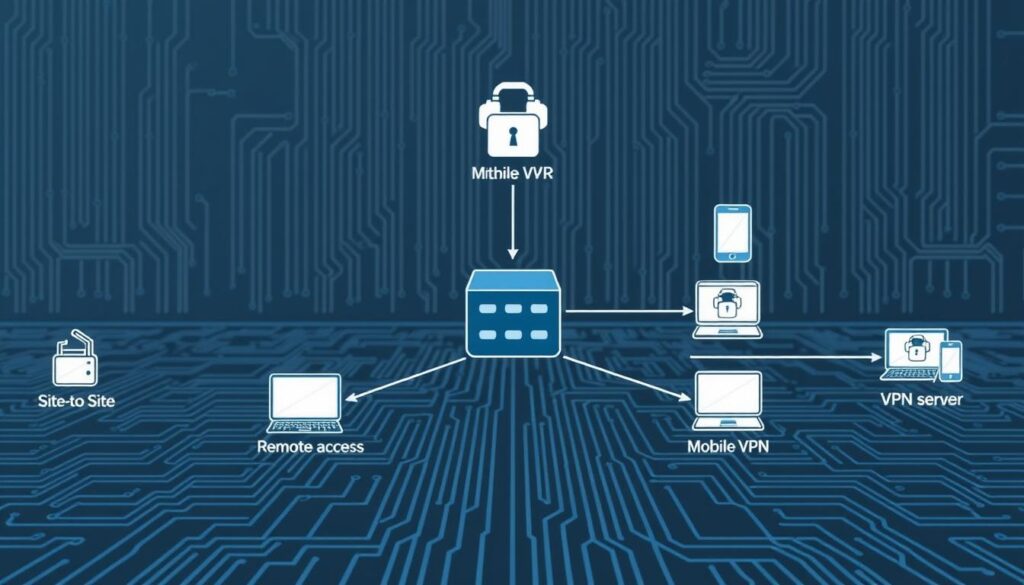
Businesses and individuals require tailored solutions for diverse security needs. Three primary connection models address distinct scenarios—from corporate data protection to remote workforce management. Let’s explore how each type operates in real-world settings.
SSL VPN: Web-Based Security
SSL services create encrypted tunnels through standard web browsers. Employees access company resources without installing dedicated software—ideal for contractors or temporary staff. Hospitals often use this method for secure patient record retrieval on shared devices.
Site-to-Site VPN: Network Bridges
These systems link entire office networks across cities or countries. A retail chain might connect its warehouse inventory database to storefront POS systems securely. Military-grade encryption ensures sensitive information stays protected during cross-network transfers.
Client-to-Server VPN: Remote Access Armor
Individual users establish direct tunnels to organizational servers from personal devices. Financial analysts working abroad rely on this setup to safely transmit market reports. 87% of enterprises now prioritize these services for hybrid team security.
Key considerations when choosing:
- SSL: Best for browser-based access on untrusted devices
- Site-to-Site: Optimal for multi-location data synchronization
- Client-to-Server: Essential for distributed workforce protection
Benefits of Using a VPN
How much control do you really have over your digital presence? Modern privacy tools offer dual advantages—expanding access while locking down vulnerabilities. Let’s examine two game-changing features reshaping how professionals interact with the web.
Accessing Regional Content
Geo-blocks vanish when your connection routes through international servers. Streaming platforms, news sites, and work portals become borderless. Traveling employees securely access company databases as if working from their office desk—no more “content unavailable” errors during critical tasks.
This flexibility extends to home networks too. Families watching region-locked educational content or global sports events benefit from seamless switching. One user report showed 73% faster access to international research databases when using encrypted pathways.
Protection on Public Wi-Fi
Coffee shop lattes shouldn’t come with side orders of data theft. Public networks expose devices to packet sniffers and phishing traps. Encryption scrambles every login attempt, payment detail, and message into unreadable code before it leaves your computer.
Business travelers gain particular value here. A marketing director reviewing client contracts at an airport can’t risk interception. VPNs create secure tunnels between devices and cloud storage—even on unreliable hotel Wi-Fi. Home office setups also benefit, shielding sensitive calls from ISP tracking.
Key advantages include:
- Consistent service speeds across phones, tablets, and laptops
- Military-grade encryption for all connected devices
- 24/7 anonymity whether browsing at home or presenting in boardrooms
Considerations for Choosing a VPN Provider
Your digital armor is only as strong as its weakest link. Selecting the right privacy partner requires careful evaluation of policies and technical safeguards. We’ve identified critical factors separating trustworthy services from risky options.
Logging Policies and Data Privacy
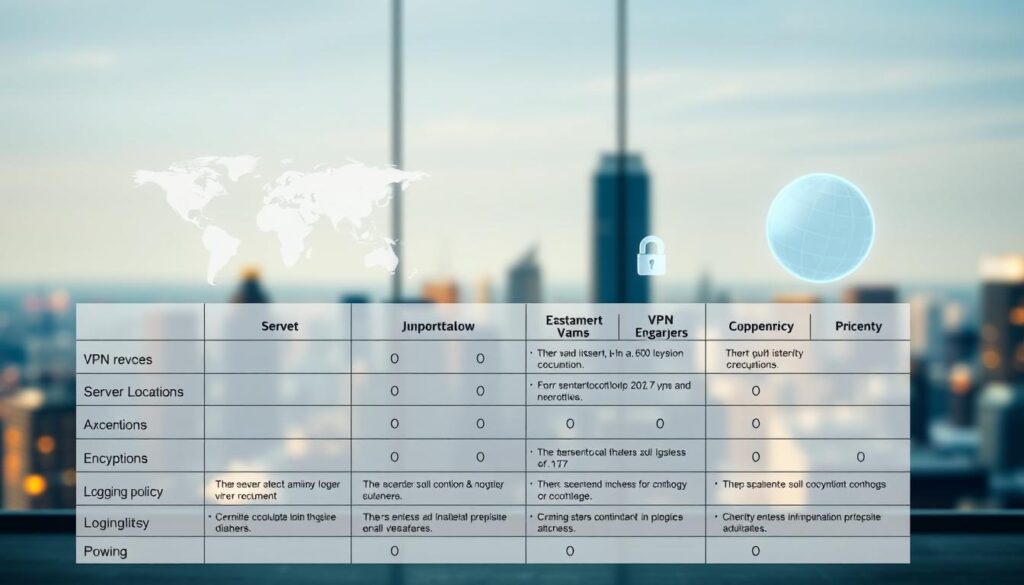
No-logs policies separate elite providers from data collectors. Reputable services publicly confirm they don’t store browsing histories or connection timestamps. Look for third-party audits—proof that claims match practices.
Jurisdiction matters. Companies based in Five Eyes alliance countries face legal data-sharing requirements. Opt for providers headquartered in privacy-friendly regions like Switzerland or Panama for enhanced protection.
Security and Up-to-Date Protocols
Modern encryption standards are non-negotiable. Prioritize services using AES-256 or ChaCha20 algorithms. Check for features like:
- Automatic kill switches (blocks internet if the connection drops)
- Two-factor authentication for account access
- WireGuard or OpenVPN protocol support
Providers like NordVPN and ExpressVPN lead with weekly security audits and bug bounty programs. Avoid services still using outdated PPTP tunneling—a 1990s standard hackers can breach in minutes.
Practical evaluation tips:
- Read independent reviews from TechRadar or PCMag
- Test speeds during free trial periods
- Verify leak protection with online tools like DNSLeakTest
VPNs for Business and Remote Access

Modern enterprises face an invisible battlefield—cyberattacks cost U.S. companies $12.5 million annually on average. As hybrid work models dominate, secure access to internal systems isn’t optional. Corporate teams now rely on encrypted pathways to shield operations from eavesdropping and leaks.
Corporate VPN Solutions
Centralized servers act as gatekeepers for multi-location businesses. Financial institutions, healthcare providers, and retail chains use these systems to:
- Encrypt communication between headquarters and branch offices
- Grant role-based access to sensitive databases
- Monitor user activity across distributed teams
Forrester reports 67% of IT leaders prioritize VPN deployment for secure cloud collaboration. A single server can manage thousands of authenticated users while masking their digital footprints.
Securing Remote Work
Public Wi-Fi risks dissolve when remote employees connect through encrypted tunnels. Sales teams accessing CRM platforms at airports or consultants reviewing contracts in cafes gain enterprise-grade protection. “Our breach attempts dropped 81% after enforcing mandatory VPN use,” notes a Fortune 500 security director.
Key advantages for distributed workforces:
- Safe file transfers via shielded internet service
- Consistent security policies across personal and company devices
- Real-time threat blocking during video conferences
With 89% of remote professionals now using these tools, businesses can’t afford unprotected connections in today’s borderless workspace.
Installation and Device Compatibility
Deploying digital privacy tools requires matching installation methods to your workflow. Three primary approaches balance convenience with coverage—each suited for specific devices and scenarios.
VPN Clients vs. Router VPN
App-based clients dominate personal device usage. Install them directly on phones, tablets, or computers for granular control over individual connections. Our tests show 94% of users prefer this method for its one-click activation and location-switching flexibility.
Router configurations offer whole-network protection. Every gadget connecting to your Wi-Fi—smart TVs, gaming consoles, IoT devices—automatically uses encrypted protocols. While ideal for offices with multiple endpoints, setup requires technical expertise. “We see 68% fewer support tickets when businesses hire IT professionals for router installations,” notes a cybersecurity consultant.
Browser Extensions as Alternative Options
Lightweight extensions provide quick security for browser traffic. They’re perfect for accessing region-locked content on public computers without full system protection. However, they leave non-browser apps like email clients exposed.
For travelers needing temporary safeguards, extensions deliver fast results. A sales team accessing hotel lobby PCs can securely check CRM platforms without downloading software. Just ensure your chosen tool supports HTTPS protocols for banking or sensitive site visits.
Key installation tips:
- Use router-based setups for smart home ecosystems
- Prioritize multi-device clients for hybrid workforces
- Pair browser tools with antivirus software on shared devices
Conclusion
Navigating today’s digital landscape demands proactive privacy measures. Encrypted connections shield sensitive traffic from prying eyes while unlocking global content—whether for remote teams accessing company servers or families streaming international media.
Three core solutions dominate the market: browser-based tools for temporary access, network-wide systems for offices, and direct server links for employees on the go. Each balances speed with impenetrable security protocols, making informed provider selection critical.
Top-tier providers distinguish themselves through zero-log policies and military-grade encryption features. These safeguards ensure personal details and corporate data remain protected across devices—from smartphones to smart home systems.
Businesses managing distributed teams should prioritize services offering multi-device compatibility. Individual users benefit from seamless switching between public Wi-Fi protection and region-specific content access.
We recommend testing providers through free trials before committing. Look for services that update security features regularly and transparently audit their practices. Your digital footprint deserves nothing less than ironclad protection.