Did you know that 4% of global DNS servers are misconfigured? This startling statistic highlights a critical vulnerability in internet security, especially for mobile users. Mobile devices are particularly susceptible to DNS leaks compared to desktops, primarily due to their frequent use of public WiFi networks.
When a DNS leak occurs, your browsing data can be exposed, compromising your privacy and security. This is especially concerning for business professionals who rely on their devices for sensitive tasks. Public WiFi networks, often unsecured, amplify these risks, making mobile users prime targets for cyber threats.
With over 12 years of enterprise testing experience, we understand the importance of robust security measures. In this article, we’ll explore practical solutions to safeguard your internet activities and maintain your privacy. Stay tuned to learn how to protect your mobile device from emerging threats.
What Are DNS Leaks and Why Should You Care?
DNS leaks are a silent threat to your internet security. They occur when your DNS queries bypass your VPN and are sent directly to your internet service provider. This exposes your browsing history, even if you think you’re protected.

Understanding DNS and Its Role in Online Privacy
The Domain Name System (DNS) acts as the internet’s phonebook. It translates domain names into IP addresses, allowing your device to connect to websites. However, if your DNS queries are not routed securely, your privacy security is at risk.
How DNS Leaks Expose Your Online Activity
When a DNS leak happens, your queries go to your ISP’s server instead of your VPN’s secure server. This means your ISP can see every site you visit, even if you’re using a VPN. Public WiFi networks, often unsecured, make this issue worse.
The Impact of DNS Leaks on Mobile Device Security
Mobile devices are especially vulnerable. Features like Android’s Parallel DNS and iOS’s background app refresh can bypass VPN protections. This leaves your data exposed, making it easier for attackers to intercept your information.
How to Detect DNS Leaks on Your Mobile Device
Your mobile device’s security might be compromised without you even realizing it. Detecting vulnerabilities early is essential to safeguard your privacy and maintain a secure connection. Let’s explore the signs of a potential issue and the tools to confirm your suspicions.
Signs Your DNS Might Be Leaking
If your browsing feels unusually slow or websites display unexpected content, it could indicate a problem. Another red flag is seeing your ISP’s name in your connection details. These signs suggest your queries aren’t being routed securely.
Using DNS Leak Test Tools to Confirm Suspicions
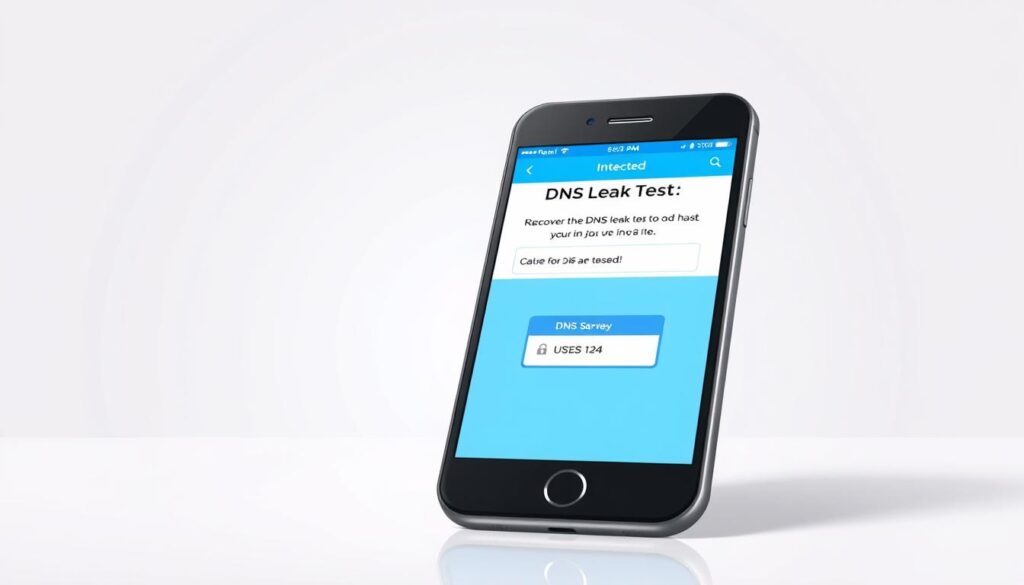
Tools like ipleak.net and dnsleaktest.com are invaluable for checking your setup. Simply visit these sites and run a DNS leak test. They’ll show whether your queries are being sent to your ISP or a secure server.
Interpreting DNS Leak Test Results
When analyzing results, look for anomalies like mismatched IP addresses or unusual TTL (Time to Live) values. Mullvad’s Connection Check uses a color-coded system—green means secure, while red indicates a leak. Always double-check with reliable tools to avoid false positives.
How to Prevent DNS Leaks on Mobile Devices
Securing your mobile browsing starts with understanding the right tools and settings. By implementing a few key strategies, you can significantly reduce the risk of exposing your data. Let’s explore the most effective ways to protect your online activities.
Choosing a VPN with Robust DNS Leak Protection
Not all VPNs are created equal. Opt for services like ExpressVPN or NordVPN, which offer advanced DNS leak protection. ExpressVPN’s TrustedServer technology ensures all data is wiped after each session, while NordVPN’s SmartDNS enhances speed without compromising security.
When selecting a vpn, look for features like a kill switch. This automatically disconnects your internet if the VPN fails, preventing accidental exposure. For Samsung Galaxy users, configuring this setting is straightforward and highly recommended.
Configuring Your Mobile Device for Secure DNS
Your device’s settings play a crucial role in maintaining security. For US cellular carriers like Verizon, AT&T, and T-Mobile, using their recommended DNS servers can help. However, consider switching to a private DNS for added protection.
On Android, go to Settings > Network & Internet > Advanced > Private DNS. Enter a secure DNS provider like Cloudflare (1.1.1.1) or Google (8.8.8.8). This ensures your queries are routed through a trusted server.
Disabling DNS Over HTTPS in Mobile Browsers
While DNS over HTTPS (DoH) can enhance privacy, it may bypass your VPN. To disable it in Chrome, navigate to Settings > Privacy and Security > Security and turn off “Use secure DNS.” For Safari, disable DoH in the settings under Advanced > Experimental Features.
Be mindful of the tradeoffs. Disabling DoH may slightly reduce browsing speed, but it ensures your vpn remains effective. Always weigh the benefits against potential risks.
Advanced Strategies to Block DNS Leaks
Taking your mobile security to the next level requires advanced strategies. Beyond basic VPN configurations, there are additional steps you can take to ensure your data remains protected. Let’s dive into some of the most effective methods.

Setting Up Private DNS on Android Devices
One of the simplest yet powerful ways to enhance security is by configuring private dns on your Android device. This ensures your queries are routed through a trusted server, reducing the risk of exposure.
To set this up, navigate to Settings > Network & Internet > Private DNS. Enter a secure provider like Cloudflare (1.1.1.1) or Google (8.8.8.8). This step is especially useful for business professionals who rely on their devices for sensitive tasks.
Using Firewall Apps to Block Unsecured DNS Requests
Firewall apps add an extra layer of protection by blocking unsecured requests. Apps like NetGuard and NoRoot Firewall are highly effective in filtering out malicious traffic.
- NetGuard offers customizable rules for advanced users.
- NoRoot Firewall is ideal for those who prefer simplicity without rooting their device.
These tools ensure only authorized network traffic passes through, safeguarding your privacy.
Flushing DNS Cache to Resolve Leaks
Over time, your device’s DNS cache can store outdated or incorrect addresses, leading to potential leaks. Flushing the cache resolves this issue.
For iOS users, terminal commands (though not publicly documented) can clear the cache. Android users can use apps like Intra to implement DNS-over-TLS, further enhancing security.
Regularly flush dns to maintain a clean and secure browsing environment.
Fixing DNS Leaks: Step-by-Step Solutions
Addressing vulnerabilities in your internet setup requires actionable steps. Whether you’re a business professional or a casual user, these solutions will help secure your online activities. Let’s explore practical ways to resolve these issues effectively.

Reconfiguring VPN Settings for DNS Protection
Your vpn tunnel is your first line of defense. Start by ensuring your VPN’s DNS settings are optimized. For example, ProtonVPN offers custom DNS options that can be debugged for better performance.
Schedule automatic checks using tools like Tasker on Android. This ensures your provider settings remain secure. Always verify that your VPN’s kill switch is active to prevent accidental exposure.
Updating Mobile Operating Systems for Enhanced Security
Keeping your operating system up to date is crucial. Manufacturers like Samsung and Apple regularly release patches to fix vulnerabilities. For Android Enterprise devices, enable automatic updates to stay protected.
Manufacturer-specific solutions, such as Samsung Knox or Apple DEP, add an extra layer of security. These tools are designed to safeguard your system from emerging threats.
Contacting VPN Support for Persistent DNS Leaks
If issues persist, reach out to your service provider. Redact and share diagnostic data with their support team for a quicker resolution. Most providers offer detailed guides to troubleshoot common problems.
Leverage their expertise to ensure your provider settings are correctly configured. This step is especially useful for resolving complex issues that require professional assistance.
Conclusion: Securing Your Mobile Device Against DNS Leaks
Ensuring your online activities remain private requires proactive measures. Both iOS and Android have unique security profiles, making it essential to understand their vulnerabilities. Regular maintenance, like quarterly leak tests, helps keep your privacy intact.
We’re excited to announce an upcoming review of 2024’s best VPN services with robust DNS protection. Stay tuned for expert insights to enhance your internet safety. For immediate action, download our mobile configuration checklist to secure your device today.
Finally, be aware of state-sponsored DNS hijacking campaigns targeting the web. These threats highlight the importance of staying vigilant and informed. By taking these steps, you can safeguard your privacy and maintain a secure online presence.