Is your home network as secure as you think? Millions of Americans now use VPNs for everything from streaming global content to hiding their browsing activity. But does this tool actually deliver the ironclad protection we expect?
We’ve all heard the promises: encrypted tunnels shielding your data, masked IP addresses confusing trackers, and servers bypassing geo-blocks. Services like Proton VPN and NordVPN dominate reviews for their ability to hide traffic from ISPs and public Wi-Fi snoops. Yet experts agree these tools have limitations—even on password-protected networks.
VPNs excel at securing coffee shop connections and accessing region-locked apps. But here’s the twist: your already encrypted banking site or messaging platform gains little extra protection. Meanwhile, free VPNs often compromise speeds or sell user data—defeating their purpose entirely.
This article cuts through the hype. We’ll analyze how VPNs work with modern cybersecurity practices, where they shine (like evading bandwidth throttling), and when a password manager or antivirus software might better serve your needs. Let’s separate marketing claims from real-world value.
Understanding Online Security and VPN Fundamentals
Modern internet users increasingly rely on privacy tools—but what exactly happens when you activate a VPN? Let’s break down the technology powering these services.
What Is a VPN and How Does It Work?
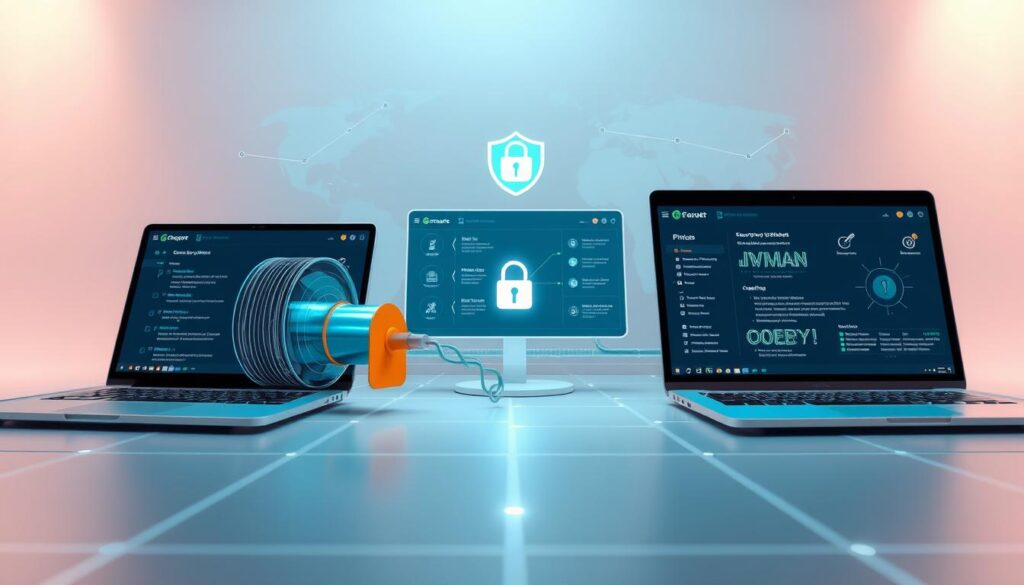
A virtual private network creates a secure bridge between your device and a remote server. When enabled, it reroutes your web traffic through an encrypted tunnel—scrambling data like search history or file transfers. This process hides your real IP address, making it appear you’re browsing from the VPN server’s location.

Encryption and Privacy: The Basics
VPNs use military-grade protocols like AES-256 to lock down information. While HTTPS secures individual websites, a VPN encrypts all traffic—including app data and DNS requests. This prevents ISPs from monitoring which services you access or throttling specific content types.
Consider international streaming: connecting to a UK server lets you watch BBC iPlayer abroad. The platform sees the VPN’s IP instead of your actual location. However, encryption remains active even for mundane tasks like checking email on public Wi-Fi.
Two elements define VPN functionality: establishing an uncrackable connection and masking digital footprints. Premium providers maintain strict no-logs policies, ensuring even they can’t trace activities back to users. Free alternatives often lack these safeguards—prioritize trusted services for genuine protection.
Evaluating the Pros of VPN Use
Public Wi-Fi users face 40% higher data interception risks than home network surfers—a gap VPNs effectively bridge. These tools offer layered advantages beyond basic encryption, particularly for professionals managing sensitive workflows.
Enhancing Privacy and Protecting Data
VPNs cloak your digital footprint by replacing your IP address with one from their server network. This prevents ISPs from tracking browsing patterns or selling aggregated usage data. On public networks, encryption blocks hackers attempting to harvest login credentials or financial details.
Even password-protected home networks benefit. VPNs add an extra shield against sophisticated phishing attempts targeting connected devices. Services like NordVPN use AES-256 encryption—the same standard governments trust for classified communications.
Accessing Restricted Content and Streaming Benefits
Geo-blocks crumble when you connect through international servers. Journalists accessing foreign news portals or marketers analyzing regional trends rely on this feature. TunnelBear’s 5,000+ servers let users stream Japan’s Netflix catalog or watch BBC iPlayer abroad seamlessly.
While VPNs may reduce speeds by 10-20%, premium providers optimize server performance. The trade-off? Uninterrupted access to global resources and protection from bandwidth throttling by ISPs during peak streaming hours.
Analyzing the Cons and Limitations of VPN Services
While VPNs enhance privacy, they introduce trade-offs that impact performance and anonymity. These tools reshape how data travels—but not without measurable costs in speed and reliability.
Slower Connection Speeds and Latency Concerns

Routing traffic through distant servers adds encryption overhead. Gamers often report 50-100ms latency spikes when connected to international VPN nodes—enough to disrupt competitive play. Streaming 4K content may buffer unexpectedly if your chosen server lacks sufficient bandwidth.
One user testing ExpressVPN saw download speeds drop 35% when connecting from New York to Tokyo. Distance matters: encryption protocols require extra data processing, while physical server locations impact response times. Activities requiring real-time interaction suffer most.
Understanding Incomplete Anonymity and Other Drawbacks
Browser fingerprinting bypasses IP masking by tracking unique device configurations. Researchers at Princeton found 80% of users could still be identified through screen resolution, fonts, and plugin combinations—even with active VPNs.
Some services leak DNS requests, exposing visited websites. A 2023 audit revealed 17% of tested VPN apps failed basic leak protection tests. Free providers often lack resources to maintain robust infrastructure, risking data exposure they promise to prevent.
VPNs excel in specific scenarios but can’t replace comprehensive security strategies. Balancing encryption needs with performance demands ensures optimal protection without unnecessary trade-offs.
do you really need a vpn
Security-conscious users often debate whether VPNs are essential or overhyped. The answer depends on your environment and digital habits—not every scenario demands encryption.

Home Network vs. Public Wi-Fi: When to Use a VPN
Home networks with updated routers and WPA3 encryption offer baseline protection. ISPs still track browsing patterns—though HTTPS shields specific site content. Activating a VPN here adds privacy from data collection but may slow local streaming.
Public Wi-Fi changes everything. Coffee shop hotspots expose traffic to nearby devices. We recommend always using a VPN in airports, hotels, or cafes. One intercepted login credential can compromise work emails or bank accounts.
Assessing Your Personal Online Security Needs
Ask three questions: How often do you use public networks? What sensitive data do you handle? Are you comfortable with ISP tracking? Frequent travelers and remote workers benefit most from VPNs. Casual home users might prioritize speed over encryption.
Consider middle-ground solutions. Enable VPNs only during financial transactions or confidential work. Premium services like ExpressVPN offer split tunneling—encrypting select apps while leaving others unrestricted. Balance protection with performance based on your daily routines.
Enhancing Cybersecurity Beyond VPNs
True digital protection requires multiple defenses working together. While VPNs encrypt web traffic, they can’t block malware or stop credential theft. PCMag’s 2024 security guide emphasizes: “Layered security beats single solutions every time.”

Additional Security Tools and Best Practices
Antivirus software remains critical for detecting malicious files VPNs might miss. Services like Bitdefender intercept ransomware before it encrypts devices. Pair this with a password manager—1Password or Dashlane generate unhackable credentials while auto-filling login forms securely.
Enable multi-factor authentication (MFA) on all accounts. Authy or Google Authenticator add time-based codes that foil 99% of phishing attempts. Browser extensions like uBlock Origin also help by blocking trackers and malicious pop-ups VPNs don’t address.
Combining VPNs with Multi-Factor Authentication and Antivirus
Use VPNs alongside these tools for comprehensive coverage. Imagine your security setup as a castle: encryption forms the outer walls, while antivirus guards the gates. MFA acts as a moat, stopping intruders who slip past initial defenses.
Regular software updates patch vulnerabilities hackers exploit. Enable HTTPS-only mode in browsers to force encrypted connections—even if a site defaults to HTTP. These habits create redundancy, ensuring one weak link doesn’t compromise your entire system.
VPN in Action: Streaming, Gaming, and Remote Work
Digital professionals increasingly leverage VPNs for three core activities—unlocking global content, securing distributed work, and optimizing online experiences. Let’s explore how these tools perform in real-world scenarios.

Bypassing Geo-Restrictions and Censorship
Streaming services like Netflix host 30% more content in some regions—a gap VPNs bridge instantly. Connecting to a Tokyo server grants access to anime libraries, while UK IPs unlock BBC dramas. Providers like ExpressVPN optimize servers for 4K streaming, though peak hours may require switching locations for buffer-free viewing.
Journalists and researchers facing government censorship use VPNs to bypass firewalls. A 2023 study showed 60% of users employ these tools to access restricted news sites or academic databases. However, some platforms like Hulu actively block VPN traffic—always test server compatibility first.
Staying Safe on Public Networks and Unsecured Wi-Fi
Airport Wi-Fi networks see 73% more intrusion attempts than home connections. Activating a VPN here encrypts emails, cloud documents, and video calls. We recommend services like Surfshark for their automatic public Wi-Fi protection—it activates the moment your device detects unsecured networks.
Remote teams handling client data benefit most. Imagine editing contracts in a café: without encryption, nearby devices could intercept login credentials. VPNs create secure tunnels even when cellular tethering fails. For optimal performance, choose providers offering dedicated IPs—reducing captcha prompts while maintaining privacy.
Gamers face trade-offs. While connecting to nearby VPN servers can sometimes reduce ping by avoiding ISP throttling, competitive players often disable encryption for split-second reactions. Balance security needs with latency tolerance based on your gameplay style.
Technical Setup and Performance Considerations
Advanced VPN configurations directly impact both security and daily usability. Balancing encryption needs with practical performance requires understanding two key features: split tunneling and router-level installations.
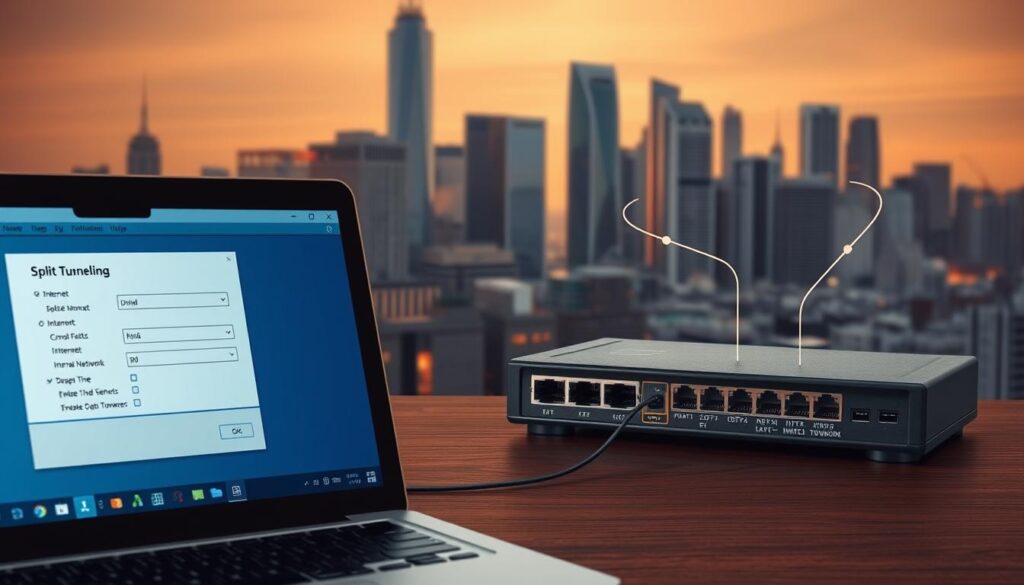
Exploring Split Tunneling and Router-Based VPN Options
Split tunneling lets users choose which apps or websites use the encrypted tunnel. Banking apps can route through the VPN while streaming services bypass it—preserving bandwidth for 4K content. NordVPN’s implementation allows granular control, ideal for remote workers juggling sensitive documents and video calls.
Router-based setups encrypt all connected devices automatically—smart TVs, security cameras, and smart speakers included. However:
- Pros: Whole-network protection without device-by-device setup
- Cons: Limited protocol options and potential overheating on older routers
Optimizing Speeds and Managing Connection Trade-Offs
Distance between your location and the VPN server remains the biggest speed killer. Connecting to a nearby server often reduces latency by 30-50ms. ExpressVPN’s Lightway protocol minimizes encryption overhead—ideal for gamers and video editors.
Three strategies maintain performance:
- Test multiple servers during off-peak hours
- Enable WireGuard® protocol for faster handshakes
- Disable unnecessary features like ad-blockers during high-bandwidth tasks
Remember: No configuration eliminates all speed loss. Prioritize essential security layers while accepting reasonable trade-offs for non-critical activities.
Conclusion
Balancing online privacy with practical performance remains central to the VPN debate. These tools excel at encrypting public Wi-Fi sessions, evading regional content blocks, and masking traffic from ISP monitoring. Yet they’re not magic shields—speed reductions and incomplete anonymity remind us every solution has trade-offs.
VPNs shine brightest in specific scenarios: securing café laptops, accessing global streaming catalogs, or bypassing bandwidth throttling. Home users with robust network security might prioritize faster connections over constant encryption.
We recommend treating VPNs as one layer in your defense strategy. Pair them with updated antivirus software and multi-factor authentication for comprehensive protection. Frequent travelers and remote workers will find more value than casual browsers—align usage with your actual risks.
Ultimately, informed choices come from understanding both capabilities and limitations. Does public network security matter for your routine? Are geo-restricted resources essential? Answer these questions first. Technology serves us best when solutions match real-world needs—not marketing hype.