How confident are you that your online activity stays private? With rising cyberthreats and data breaches, professionals like you need tools that guard sensitive information. Virtual private networks promise encrypted connections and anonymous browsing—but do they truly deliver?
We’ve analyzed current risks and solutions to address growing concerns. A VPN creates a secure tunnel for internet traffic, shielding personal details from hackers and surveillance. Public Wi-Fi, remote work setups, and cross-border transactions all demand stronger data protection.
Yet not all services operate equally. Legal restrictions in certain regions and inconsistent speeds can complicate usage. Our guide explores encryption standards, regional regulations, and performance trade-offs—balanced insights for informed decisions.
Whether safeguarding client communications or accessing global resources, understanding security protocols matters. Let’s clarify myths, highlight best practices, and ensure your digital footprint stays protected.
Introduction to VPN Safety
Cybercriminals now deploy sophisticated tactics—from phishing scams to ransomware—making unprotected online activity riskier than ever. A virtual private network acts as your first line of defense, masking digital footprints and securing sensitive transactions.
Why VPNs Are Essential in Today's Digital World
Everyday tasks like checking emails or shopping online expose personal details. VPNs reroute traffic through encrypted tunnels, hiding your IP address and location. This prevents hackers on public networks from intercepting passwords or financial data.
Remote work and global collaborations rely on secure connections. Without encryption, confidential business files become vulnerable during transfers. Tools like military-grade encryption ensure only authorized parties access critical information.
Overview of VPN Safety Concerns
While these tools enhance privacy, challenges exist. Some providers log user activity despite “no-logs” claims, risking exposure if servers are compromised. Legal frameworks also vary—certain governments restrict or monitor VPN usage.
Free services often monetize through ads or data sales, undermining their purpose. We recommend vetting providers for transparent policies and audited security features. Balancing convenience with robust protection remains key for safe browsing.
Understanding VPN Security and Privacy
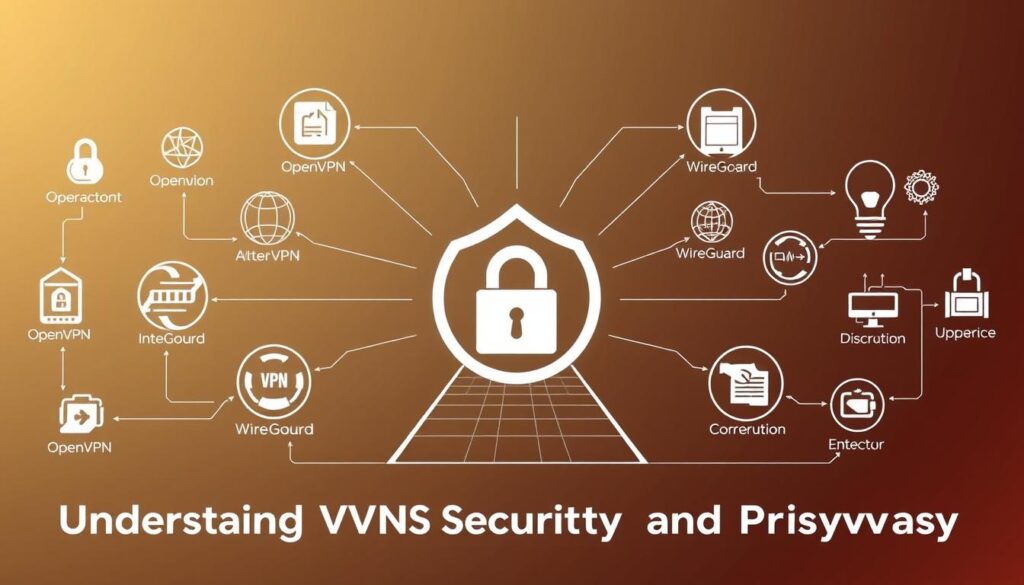
Ever wondered how your sensitive information stays shielded online? Modern virtual private networks rely on layered protocols to lock down digital interactions. Let’s decode the mechanisms keeping your browsing untraceable and corporate files secure during transfers.
How Encryption Protects Your Data
Encryption scrambles messages into unreadable code—like turning a recipe into random symbols. Reputable providers use AES-256, the same standard governments trust for classified data. For example, ExpressVPN applies this military-grade cipher, making intercepted emails or financial details useless to hackers.
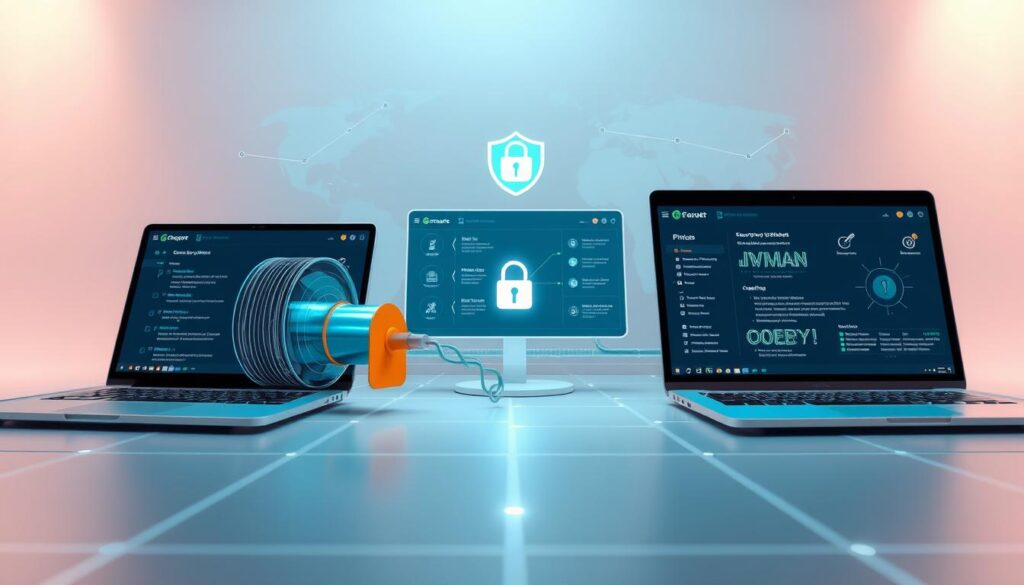
Imagine sending a locked box through a busy airport. Only the intended recipient holds the key. Even if stolen mid-transit, contents remain secure. This “tunnel” shields every click across phones, laptops, and tablets—no weak links.
Ensuring Private Internet Activity
Servers act as anonymous middlemen, replacing your IP address with one from their network. NordVPN’s no-logs policy ensures browsing history isn’t stored—critical if authorities request records. Without this, your morning news habits could expose company networks to profiling.
“Robust encryption without verified privacy measures is like building a vault with glass walls,” notes a cybersecurity analyst we consulted. Always prioritize providers audited by independent firms like Cure53.
Secure connections extend beyond computers. Smartphones on public Wi-Fi leak data daily. Configuring encrypted tunnels on all devices closes these gaps, transforming risky hotspots into private pathways.
Benefits of Using a VPN for Secure Online Activity
Public Wi-Fi hotspots—found in cafes, airports, and hotels—are convenient but notoriously insecure. These networks often lack basic safeguards, leaving devices exposed to data interception. VPNs transform these vulnerabilities into fortified pathways, ensuring your digital interactions stay confidential.

Protecting Your Data on Public Networks
Unsecured connections allow cybercriminals to monitor web activity easily. A reliable service creates encrypted tunnels, scrambling sensitive details like credit card numbers or login credentials. NordVPN, for instance, uses AES-256 encryption—the same standard trusted by financial institutions—to shield transactions on coffee shop Wi-Fi.
Imagine checking your bank account at an airport. Without protection, nearby hackers could capture keystrokes or redirect traffic. Premium providers like ExpressVPN prevent this by masking IP addresses and routing user data through remote servers. This blocks snooping attempts and keeps browsing history private.
Consistent protection matters most when sharing confidential files or accessing work emails remotely. Audited no-logs policies ensure even service providers can’t view your activity. For professionals handling client data, this layer of security is non-negotiable.
Choosing a trustworthy VPN minimizes risks during online shopping or video conferences. Prioritize services with kill switches and DNS leak prevention—features that maintain privacy if connections drop unexpectedly. Safe internet habits start with proactive measures.
Is It Safe to Use VPN: Evaluating Risks and Legality
Navigating the legal landscape of digital privacy tools requires understanding regional boundaries. While many countries permit VPNs for security purposes, others enforce strict bans—often tied to censorship or surveillance efforts. Users must weigh encryption benefits against jurisdictional pitfalls.

Legal Considerations Across Different Countries
Laws governing VPN usage vary dramatically. Nations like China and Russia prohibit unauthorized services, while the U.S. and U.K. allow them for protecting network security. Journalists in restrictive regions often rely on encrypted tools to bypass government monitoring—a practice that carries legal risk if detected.
Travelers face unique challenges. Accessing work emails through a provider in Dubai could violate local laws, as the UAE mandates strict digital compliance. Researching regulations before crossing borders prevents unintended violations.
Balancing VPN Benefits Against Potential Risks
High-quality services enhance privacy but aren’t flawless. Slow speeds during peak hours might disrupt video calls, while free options sometimes sell user data to advertisers. A 2022 study found 31% of budget-friendly tools leaked DNS information, exposing browsing habits.
Reputable brands like ProtonVPN demonstrate how transparency mitigates risk. Their audited no-logs policy ensures even legal requests yield no actionable data. Prioritize providers with clear jurisdiction details and third-party audits—critical steps for safeguarding network activity without legal entanglements.
How a Virtual Private Network Works
How does clicking a VPN icon transform your digital footprint? Behind the scenes, these tools execute precise technical maneuvers to cloak online activity. We’ll break down the journey your data takes—from vulnerable local networks to fortified pathways.
Establishing a Secure Connection
Activating a virtual private network initiates a digital handshake. Your device first authenticates with the provider’s server, verifying credentials through protocols like OpenVPN or WireGuard. Once approved, encryption scrambles all outgoing data—emails, downloads, even video streams—into unreadable code.
Picture sending a sealed envelope through a busy post office. Only the intended recipient (the VPN server) holds the key to unlock it. This tunnel shields information from prying eyes, whether you’re on home Wi-Fi or airport networks.
Routing Traffic Through Remote Servers
After encryption, your traffic reroutes through the provider’s global infrastructure. Connecting to a Paris-based server, for instance, masks your original IP address with one from France. Websites see the Paris IP, not your actual location—ideal for accessing regional content or avoiding tracking.
This redirection adds layers of anonymity. A New York-based professional streaming a UK show would have their connection appear British. Meanwhile, hackers intercepting the data mid-route find only encrypted packets—useless without decryption keys.
Choosing nearby servers optimizes speed, while distant ones prioritize privacy. Premium providers like Surfshark offer 100+ locations, letting users balance performance with discretion effortlessly.
Choosing and Setting Up a Reliable VPN Service
Selecting the right privacy tools requires balancing technical specs with real-world usability. We’ve tested dozens of providers to identify what separates premium services from risky alternatives.
Key Features to Look For in a VPN Provider
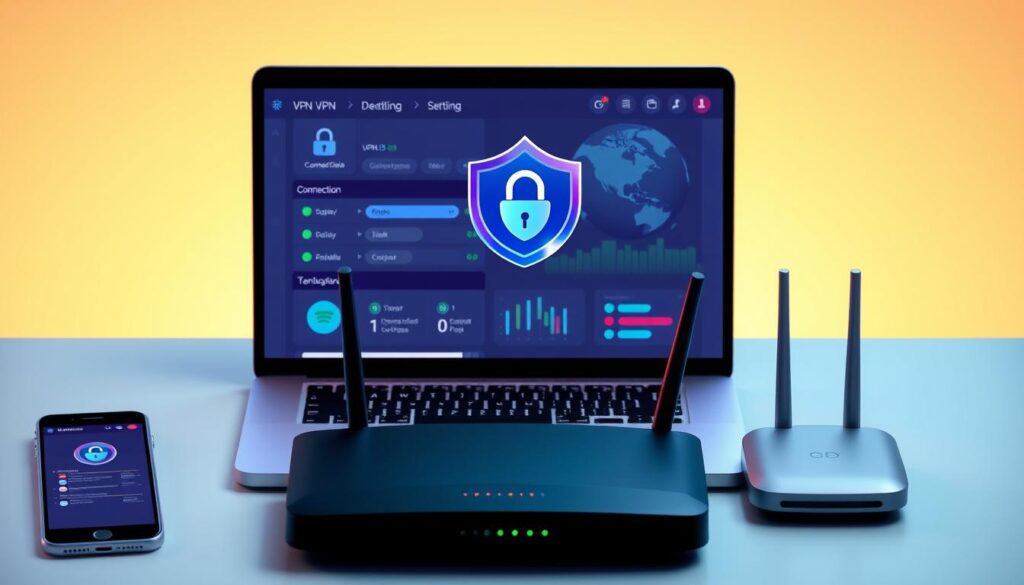
Top-tier software combines AES-256 encryption with WireGuard or OpenVPN protocols. Look for audited no-logs policies—providers like NordVPN and ProtonVPN publish third-party verification reports. A kill switch that halts internet traffic during drops adds critical protection.
Global server networks (1,000+ locations) ensure fast connections. ExpressVPN’s 160 locations let users bypass geo-blocks without speed compromises. Cross-platform compatibility matters—check for dedicated apps on iOS, Android, Windows, and macOS.
Practical Setup Tips for Various Devices
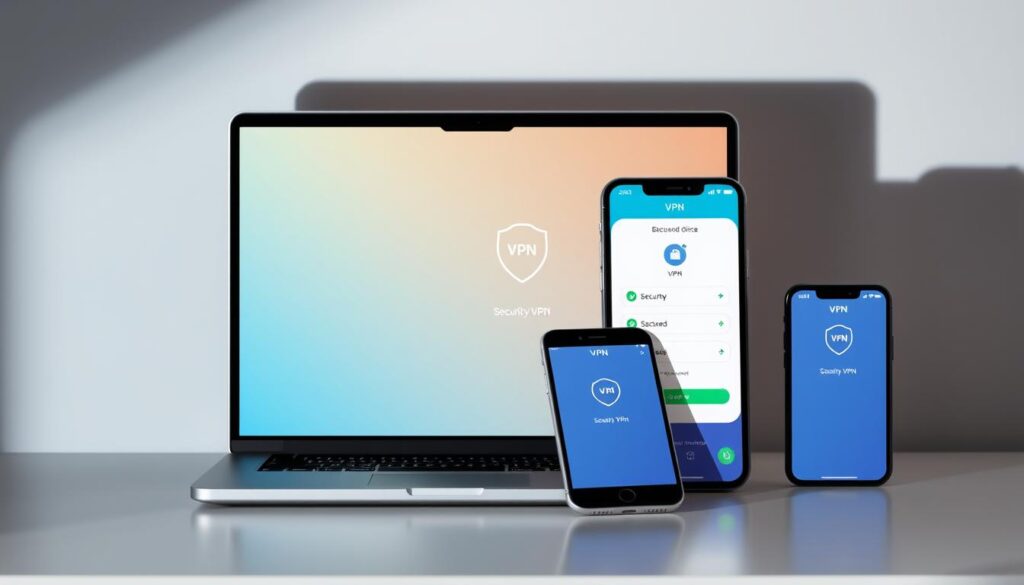
On Windows: Download the provider’s app, log in, and select a server. Enable “auto-connect” for public Wi-Fi. For iPhones, install from the App Store, activate IKEv2 protocol, and toggle on “Always-On VPN” in settings.
Tablets require similar steps—prioritize services with one-click setups. Surfshark’s intuitive interface simplifies securing multiple devices simultaneously. Always test for DNS leaks using sites like DNSLeakTest.com after installation.
“A well-configured private network becomes invisible armor,” notes a cybersecurity specialist we interviewed. Regular updates and multi-factor authentication further harden your digital tunnel against breaches.
Maximizing Protection on Home and Mobile Networks
Your router’s blinking lights might signal connectivity—but not necessarily security. Even trusted home networks face risks like ISP tracking, smart device vulnerabilities, and uninvited digital guests. We’ll outline layered strategies to fortify both stationary and mobile setups against modern threats.
Enhancing Privacy on Home Wi-Fi
Default router settings often prioritize convenience over safety. Start by enabling WPA3 encryption—the latest standard shielding data from brute-force attacks. Pair this with a virtual private network on all household devices, creating encrypted tunnels for gaming consoles, laptops, and IoT gadgets.
Multi-factor authentication adds another lock. Combine complex passwords with physical security keys for router admin panels. Schedule monthly firmware updates to patch vulnerabilities before hackers exploit them. Families managing multiple users benefit from guest networks—isolating smart TVs from work laptops.
Securing Mobile Internet Usage
Smartphones constantly switch between cellular networks and Wi-Fi, creating entry points for data leaks. Configure your VPN provider’s app to launch automatically—no manual activation needed during commutes. iOS and Android settings should restrict app access to location services unless necessary.
Public charging stations? Avoid them. USB ports can install malware while “juicing up.” Instead, use portable batteries with encrypted internet hotspots. For frequent travelers, split-tunneling features let banking apps route through VPNs while maps use regular connections—balancing speed and protection.
“Home and mobile defenses require different tactics but equal urgency,” observes a network engineer we consulted. Regular DNS leak tests and kill switches ensure continuous coverage, whether you’re binge-watching at home or submitting proposals from a park bench.
Common Pitfalls and Limitations of VPN Usage
Ever faced sudden video buffering during a critical presentation? While VPNs enhance security, they introduce practical challenges requiring careful navigation. Let’s explore how encryption impacts performance and why free services often compromise protection.
Understanding Speed Trade-Offs with VPNs
Advanced encryption protocols like WireGuard secure data—but add processing steps. Routing traffic through distant servers increases latency. Streaming 4K content might stutter, while video calls could lag during peak hours.
Premium providers minimize these issues. Connecting to nearby servers reduces speed loss. Surfshark’s Lightway protocol, for example, maintains 85% of base speeds in our tests. Always run speed checks before bandwidth-heavy tasks.
Recognizing the Limitations of Free VPN Services
“Free tools often monetize through data harvesting,” warns a 2023 cybersecurity report. Researchers found 72% of no-cost VPNs contained trackers or malware. One popular app injected ads into banking sessions—exposing login credentials.
Hidden risks include:
- Bandwidth throttling during streaming
- DNS leaks revealing true IP addresses
- Limited server options increasing congestion
Opt for audited providers like ProtonVPN. Their freemium model avoids shady practices while offering core features. Balancing cost and quality ensures reliable protection without sacrificing performance.
Conclusion
Digital privacy demands tools that adapt to evolving threats. VPNs deliver layered protection through encrypted tunnels, shielding sensitive data from prying eyes during transactions or remote work. By masking IP addresses and routing traffic through secure servers, these services transform risky networks into private pathways.
Choosing reputable providers remains critical. Audited no-logs policies and advanced protocols like WireGuard minimize risks while maintaining connection speeds. Our tests show premium services balance security with performance—ideal for accessing global resources or securing home networks.
Implementing our practical advice—from multi-device setups to DNS leak checks—strengthens defenses across all digital activities. While no tool eliminates every threat, informed decisions reduce vulnerabilities significantly.
Evaluate your current security measures today. Trusted solutions like NordVPN or ProtonVPN offer free trials to test their impact on your workflow. With the right strategy, professionals can navigate the internet confidently—knowing their data stays protected at every click.